Drop the client folder.
LittleFit finds supported images in the folder and its subfolders. Hidden files, packages and symbolic links are skipped.
 LittleFitfor Mac
CLIENT IMAGE BATCHES, READY TO UPLOAD
LittleFit is a Mac app that resizes, crops and compresses images to exact pixels, format and file size. The client needs 600 × 600, JPEG, under 200 KB? Drop their folder, reuse the rules, save checked copies.
3 images per batch, free. No watermark. No sign-up.
macOS 14+ · Apple silicon & Intel · How to install
FOR FREELANCE CONTENT MANAGERS & SMALL STUDIOS
When you prepare images for client websites and content systems,
the repetitive part is getting every file ready to submit.
LittleFit finds supported images in the folder and its subfolders. Hidden files, packages and symbolic links are skipped.
Choose the KB limit, pixels and format once. Save a named recipe; your last valid settings return when you reopen the app.
Adjust each crop where needed. LittleFit checks the encoded size, pixels and format. Inspect full-size copies in Preview, then save new files.
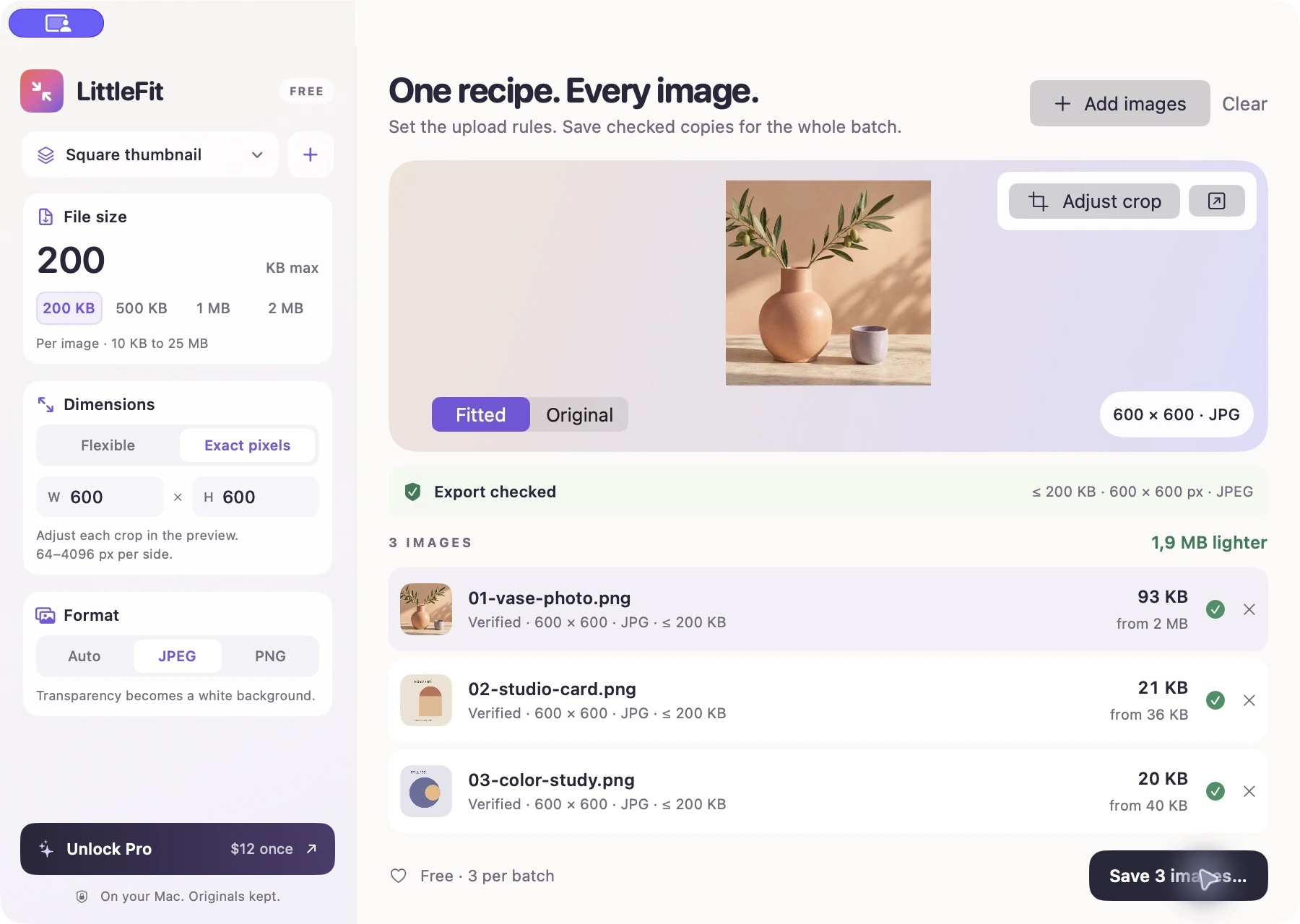
ONE FOLDER. ONE RECIPE. THREE CHECKED FILES.
Actual app screens, using three example images.
Try the same batch for free—no account or key needed.
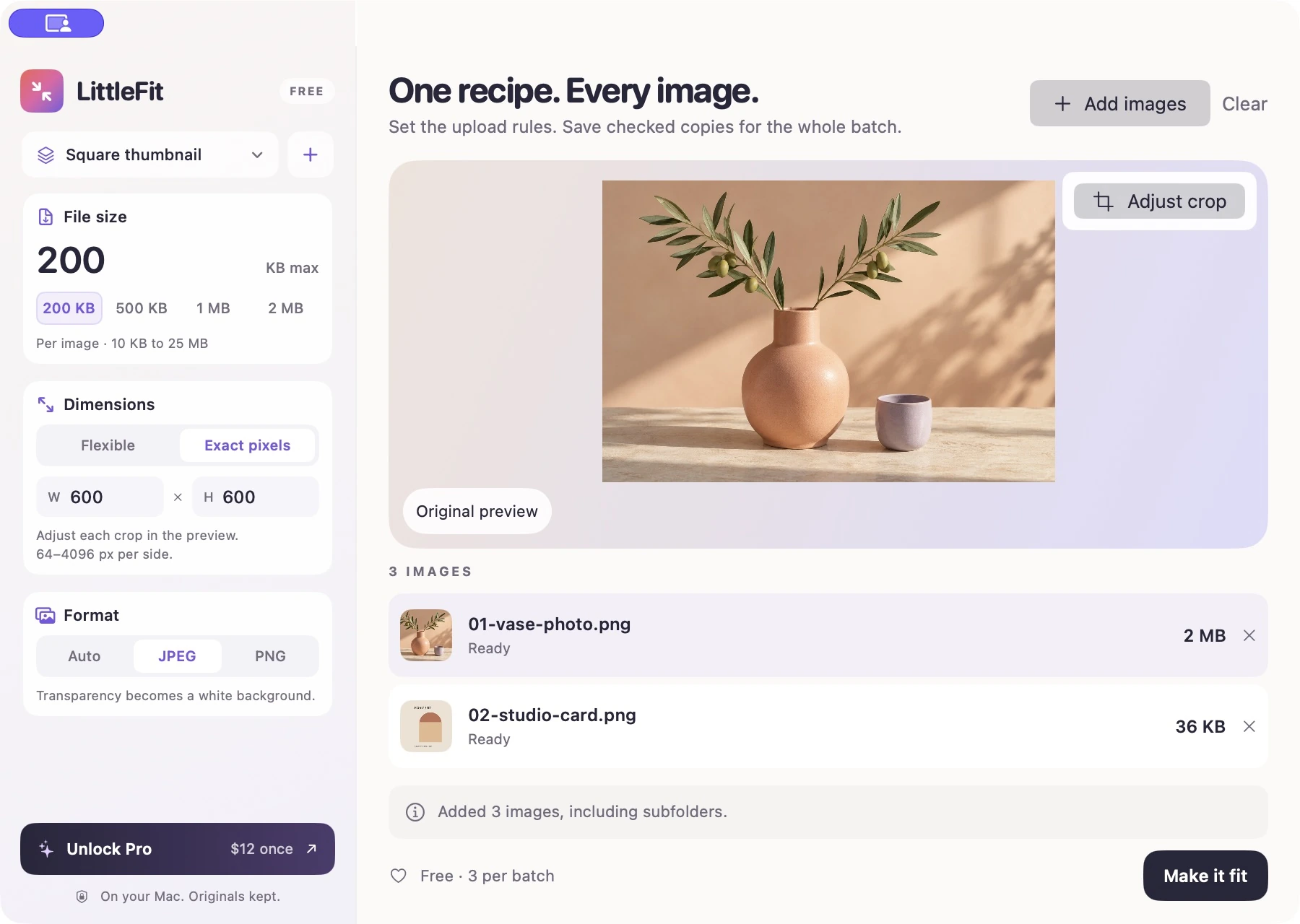
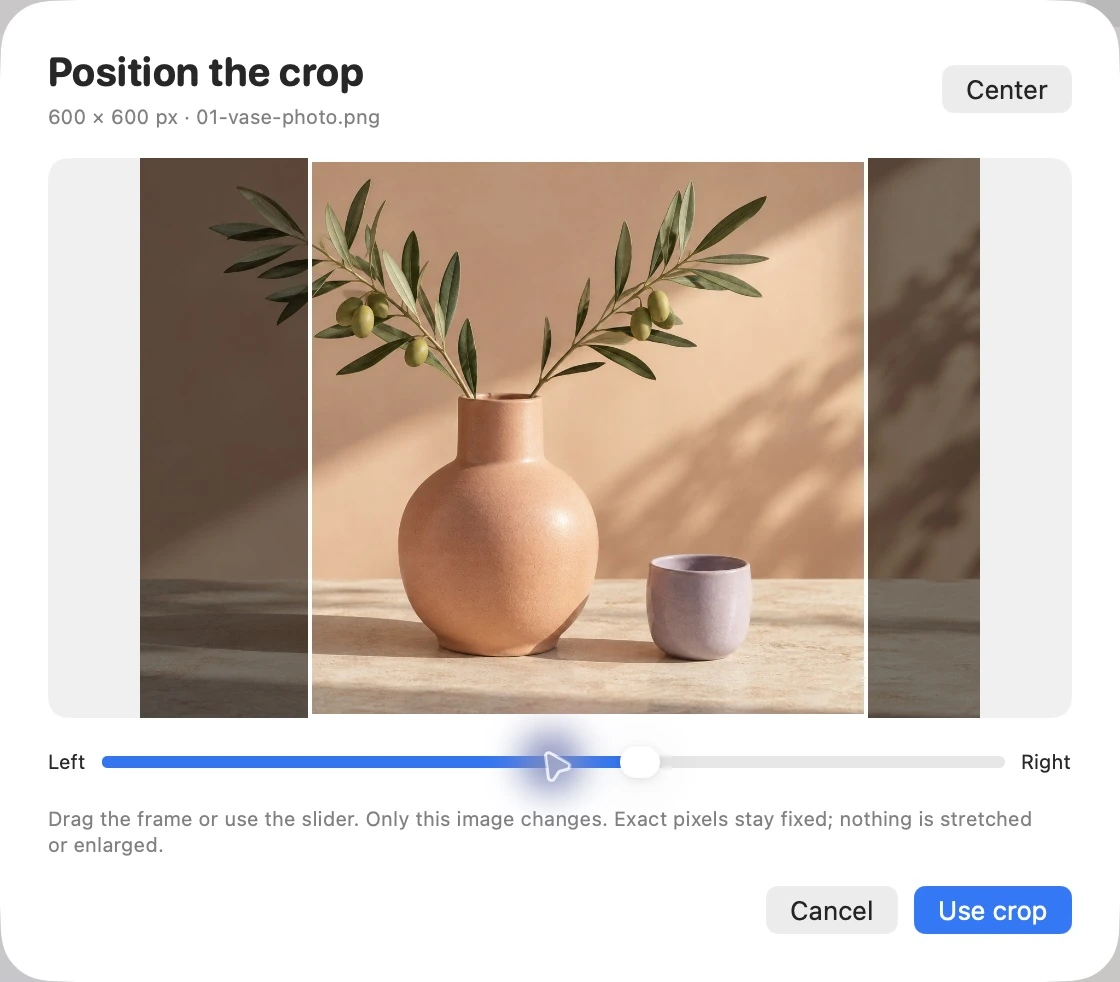
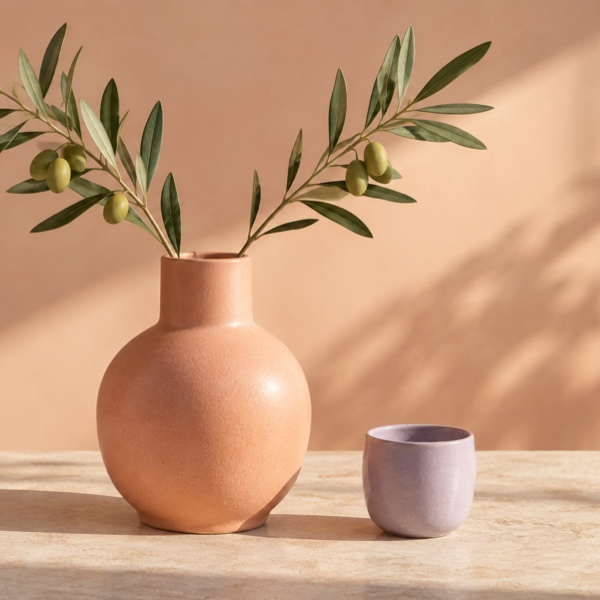
Generated sample photo + two original graphic samples.
ZIP includes the inputs, checked exports and recipe instructions.
Each download is an actual 600 × 600 JPEG produced by LittleFit’s image engine, under 200,000 bytes. KB labels are rounded. Results vary by image; JPEG is lossy. Read the upload guide ↗
THE PROOF IS IN THE PIXELS
Only need a file-size limit? Flexible mode can adjust quality and dimensions. Compare this sample, then try your own files.
83% smaller. 1536 × 1024 pixels. Under the 500 KB limit.
Compression is lossy; results vary. A limit is a ceiling: your file may finish smaller.
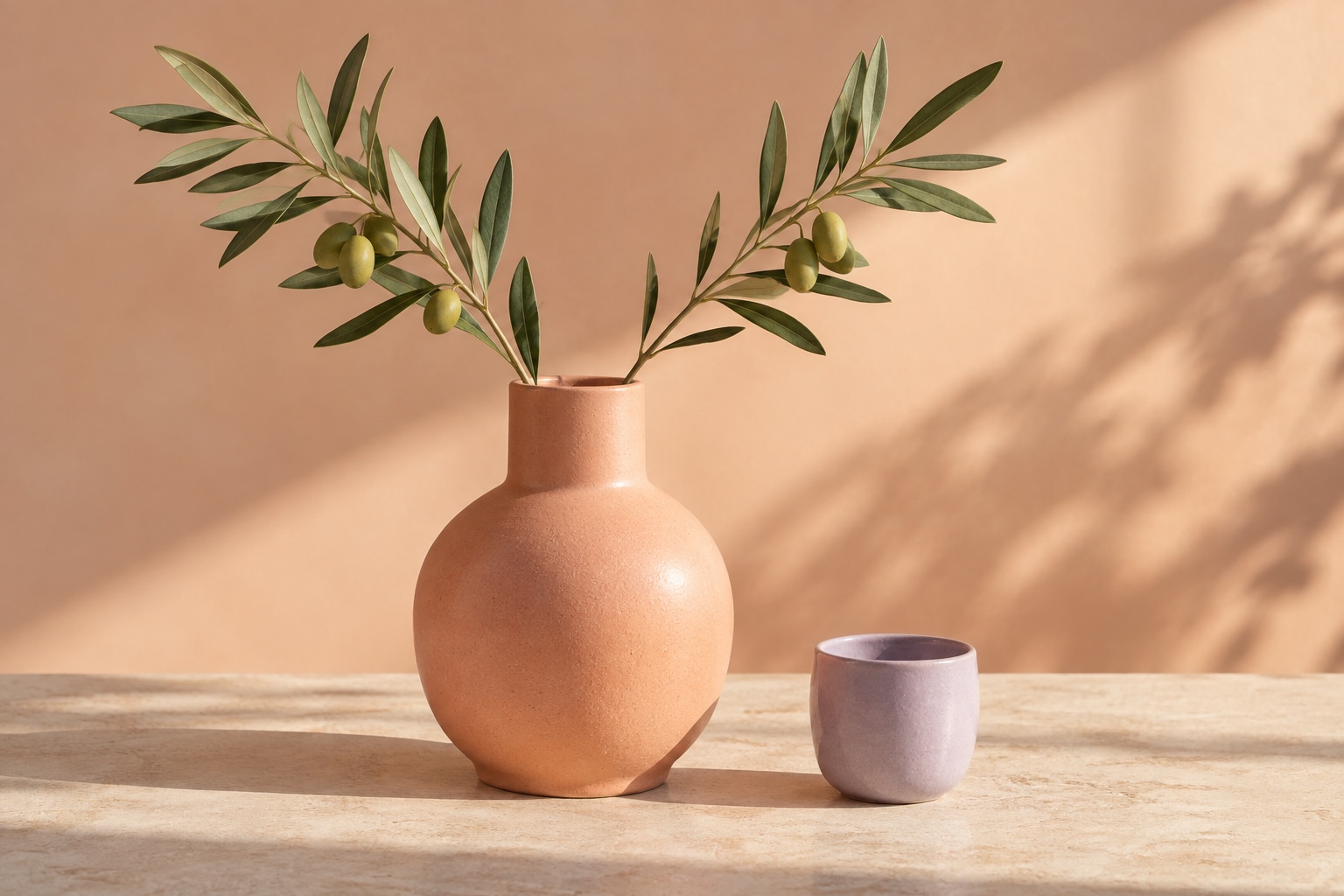
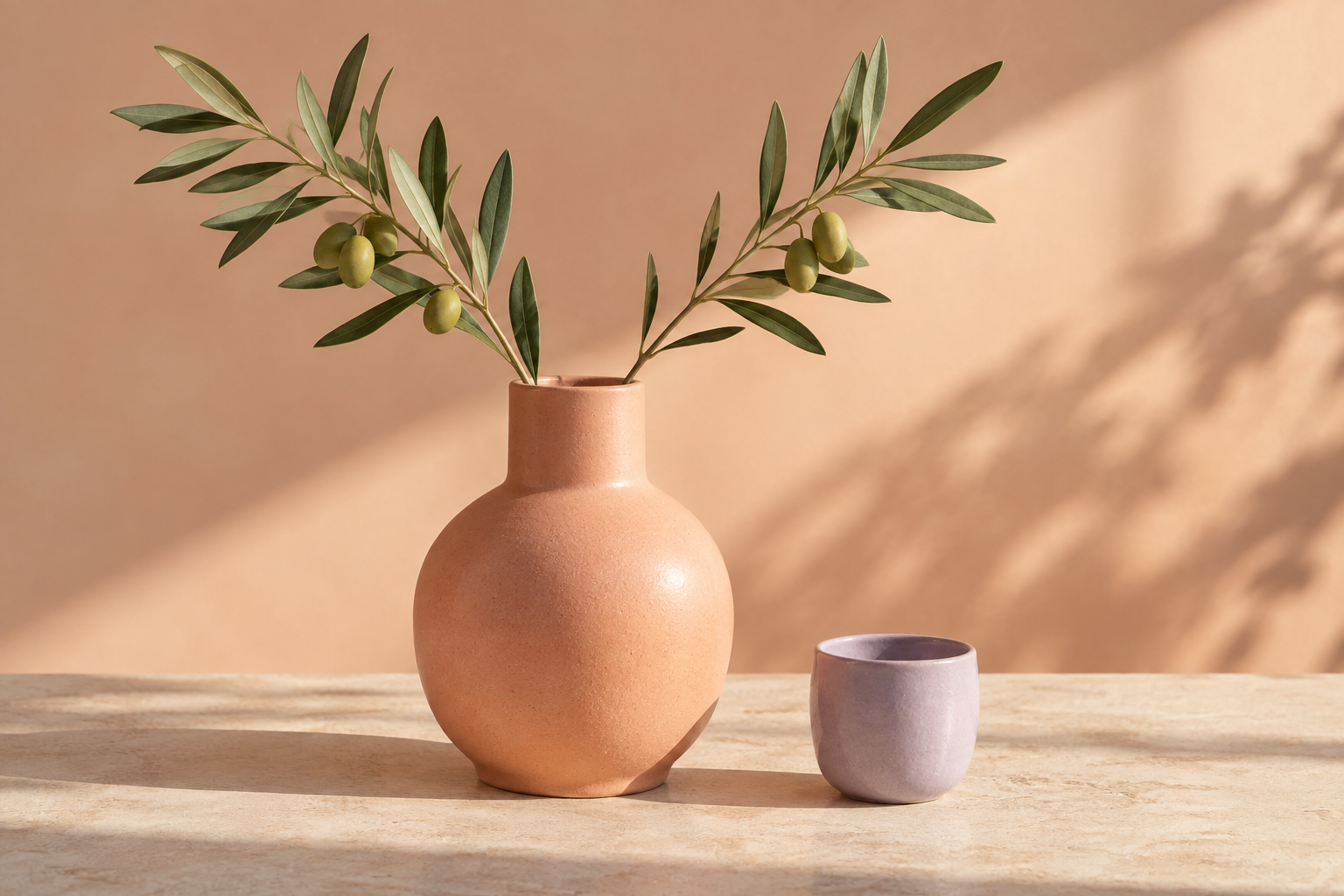
Real exports from LittleFit using a generated sample photo. Drag or use the arrow keys to compare.
THOUGHTFULLY SMALL
Repeat the recipe, keep control of each image.
Everything is processed on your Mac.
When width and height are mandatory, LittleFit holds them fixed. If the KB limit cannot be met, the file gets a clear explanation.
Position each exact-size crop without changing the recipe. Open a separate full-size copy in Preview to inspect composition and quality.
Fresh exports leave source EXIF, GPS and camera metadata behind. Visible content stays visible.
Export new copies with clear filenames. Existing files never get silently replaced.
A SMALL PRICE. JUST ONCE.
Try the full image-fitting workflow for free.
Upgrade when three at a time isn’t enough.
LITTLEFIT FREE
Try a complete client-image workflow with your own files.
LITTLEFIT PRO
For the client batches you prepare every week.
USD. Applicable taxes shown at checkout. Secure payment and license delivery by Polar.
Pro activation needs internet; works offline for 30 days after each successful license check.
FROM DOWNLOAD TO DONE
A small, native app. No account or setup wizard.
Version 1.3.0 · What’s new ↗LittleFit works on macOS 14 or later, on Apple silicon and Intel Macs.
Open the downloaded .dmg, then drag the LittleFit icon into the Applications folder.
Choose a limit, make them fit, and save new copies. Free for up to 3 images per batch.
Developer ID signed · Apple notarized · Verify download
Yes. Every successful export is at or below your chosen ceiling, from 10 KB to 25 MB per image. Flexible mode adjusts JPEG quality and, when needed, dimensions. Exact-pixel mode starts with a centered crop that you can reposition per image, then keeps the requested pixels fixed. If it can’t fit a file at a useful resolution, you’ll get an explanation instead of an oversized export. Choose JPEG or PNG if your destination requires it. These checks cover the settings you enter; a service can still reject an image for other requirements or its content.
JPEG compression is lossy. Smaller targets may also require smaller dimensions, so preview your results before using them. Automatic mode preserves transparency as PNG. Explicit JPEG replaces transparency with white. Exact-pixel mode lets you reposition each crop, so review the composition. Use the Preview button to inspect a separate full-size copy. LittleFit never enlarges images. The screenshot and comparison above show one actual result, not a promise for every file.
No. Image processing happens locally, including in the free version. There are no image uploads or accounts. The app sends anonymous usage counts, like how many images fitted, never images, filenames or recipe names, and you can switch that off in the app. If you activate Pro, your license key is sent to Polar for verification and kept in macOS Keychain. See our privacy details.
LittleFit supports single-image JPEG, PNG, HEIC, TIFF and BMP inputs on macOS 14 Sonoma or later, on Apple silicon and Intel. Automatic mode exports opaque images as JPEG and transparent images as PNG. You can select either format explicitly. It does not process video, PDF, animated or multi-page images. For predictable memory use, inputs are limited to 100 megapixels and 250 MB; Flexible processing uses a maximum edge of 8192 pixels. Exact output supports 64–4096 pixels per side and decodes at most 64 megapixels of source detail.
Yes. Save up to 20 named recipes on this Mac, including the file-size ceiling, pixel rule and output format. Recipes and exact-pixel fitting are included in Free. The example recipes are editable starting points, not official requirements for any website. Your last valid settings and active saved recipe return on launch. Exact mode lets you reposition each crop and never enlarges the source. Crop positions apply only to the current batch.
Open the downloaded disk image and drag LittleFit to Applications. The app is Developer ID signed and Apple notarized. Free use needs no key. After buying Pro, copy your license from Polar’s email or customer portal, then open LittleFit → LittleFit Pro and paste it.
Nothing. LittleFit writes new copies to a folder you choose, adds “-littlefit” to each filename, and adds a number if that name already exists. You can compare the original and fitted preview before saving.
FIND YOUR FIT
See where LittleFit fits alongside Clop, Compresto, Picmal and free alternatives.
Try three of your own images. Keep the recipe for next time.